SIM owner details live tracker searches mix registration with device location. This website cannot locate a phone or identify a private subscriber. For your own lost device, use an account-linked finding service and protect your mobile account.
Live tracker claims: separate the phone and the connection
A SIM is a network connection. A handset is a device that may contain that SIM. Blocking a lost SIM helps protect the number, while a device recovery service may help locate your own phone. Neither action guarantees recovery.
Use your existing device account
For an Android phone, start with Google’s Find Hub instructions. For an Apple device, use Apple’s Find My guidance. Available actions depend on prior setup, account access, connectivity and the device state. Open the official account service yourself, not a link sent by someone claiming to have found the phone.
Protect accounts before chasing a location
Read the lost SIM checklist. Contact the operator, secure your primary email and review wallet or banking access. If you receive a location, do not confront someone yourself. Preserve relevant evidence for the appropriate authorities.
Assess a live tracker result before relying on it
Ask whether the result is an actual location from your authenticated device account or just an illustrative map. A pin appearing after a timer is not proof. A tracker should not need your email password or OTP through an unrelated form.
Preserve identifying information
Keep the phone model, serial details, IMEI if you already have it, and the purchase record. Share those details through official reporting channels as required. Do not put the full identifiers in a public recovery post.
When a live tracker seller claims to trace another person
Do not buy location claims from a number lookup seller. Use the lawful reporting guide for threats or fraud. The authorised investigation process is separate from a public website search.
SIM owner details live tracker versus finding your device
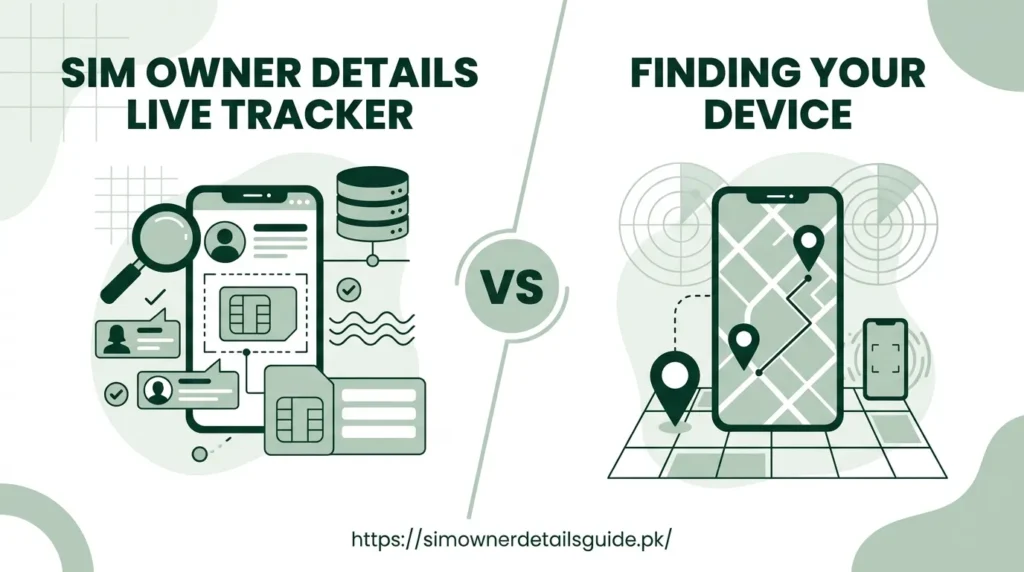
A phone number alone does not let this website open a live map. Registration identifies an account relationship, while a device finding service relies on your device settings, account access and connectivity. Treat a page promising an instant location after a number submission as a claim that needs verification.
If the missing phone is yours, use the official Google or Apple device finding instructions already linked below. Avoid entering account passwords into a SIM lookup website. If the phone may expose banking or messaging accounts, start the lost SIM protection checklist while you attempt recovery.
An unknown caller needs a different response
Do not use an unverified location result to decide where a caller lives. Save the relevant call time and messages, block unwanted contact when appropriate and use lawful reporting channels for threats or fraud. A complaint supported by your actual evidence is more useful than a guessed address.
Use a device account you already control
For your own missing device, follow the phone platform’s account-based finding tools. A service requiring only someone else’s phone number does not demonstrate access to that person’s live location. Do not grant location permissions to an unrelated APK to test its promise.
Use the device account’s own instructions and verify the sign-in address. If the tool cannot reach the device, do not treat its last available information as a guaranteed current position.
Retrieval and account protection are separate
Contact the operator about the SIM and review financial and recovery accounts on the missing phone. A finding tool does not replace these protections. If a displayed position would put you at risk, use the appropriate local authorities rather than confronting someone based on a map marker.
Keep the evidence useful
Record the device details and the time of any account alert privately. Do not post activation QR codes, passwords or full identifiers in a public appeal. Follow the loss checklist and the platform’s official device-reporting instructions.
Frequently asked questions
Can a SIM owner check reveal live location?
A public registration guide does not provide live device location.
Will blocking the SIM erase the phone?
SIM blocking and device-account actions are different. Follow the device provider’s instructions for the action you need.