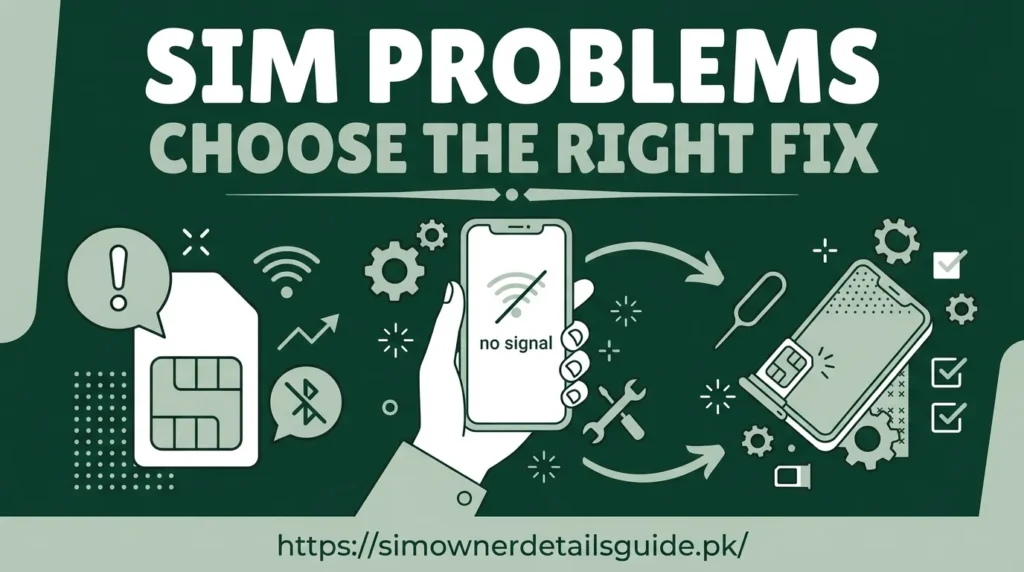
SIM troubleshooting starts by identifying whether the problem is messaging, coverage, device compatibility, identity verification or an account record. Test the service first, then ask the operator about issues that require account access.
SIM troubleshooting: use a short diagnostic sequence
Start with the symptom: no signal, no outgoing SMS, no data or an incorrect registration reply. Record when it began and whether it affects one SIM or both. This prevents a general network fault from being mistaken for a subscriber-record problem.
For signal, check airplane mode, the selected SIM and local coverage. For SMS, try an ordinary message before a short code. For data, check the active data line, remaining package and the operator’s settings. Follow device guidance before changing advanced settings.
Test without exposing account information
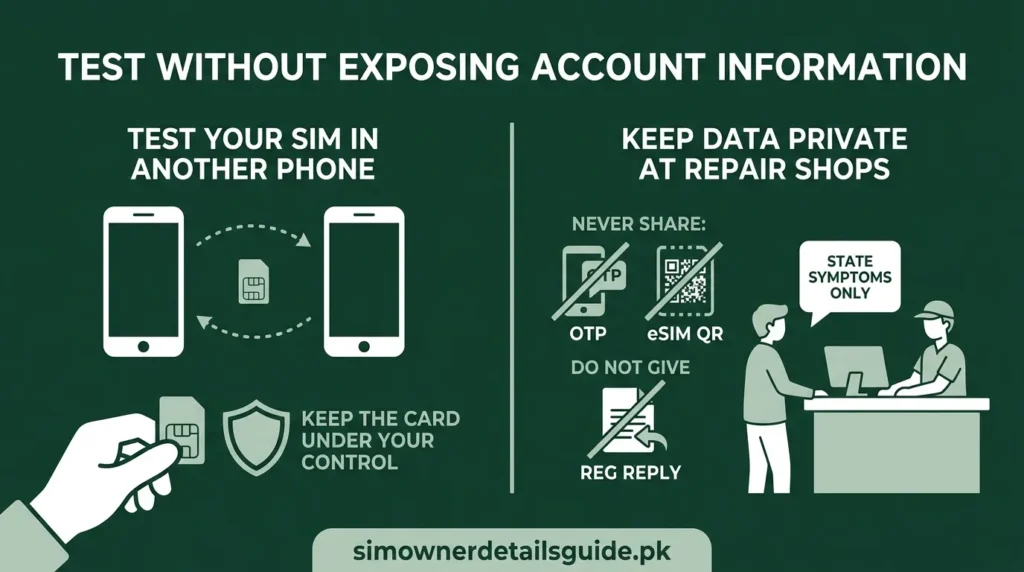
If appropriate, test your own SIM in another compatible phone. Keep the card under your control. A SIM working in another handset points you toward the original device; a failure in both means the operator should investigate the connection or card.
Do not give a repair shop your registration reply, OTP or eSIM QR code to diagnose coverage. State the symptom and allow only the access needed for that repair.
Know when to stop retrying
Sudden loss of service combined with account-security alerts deserves prompt operator contact. Ask whether a replacement, port or account change occurred. For ordinary failures, keep the test results and error text so support can reproduce the issue. Use the loss and replacement checklist when the card is missing.