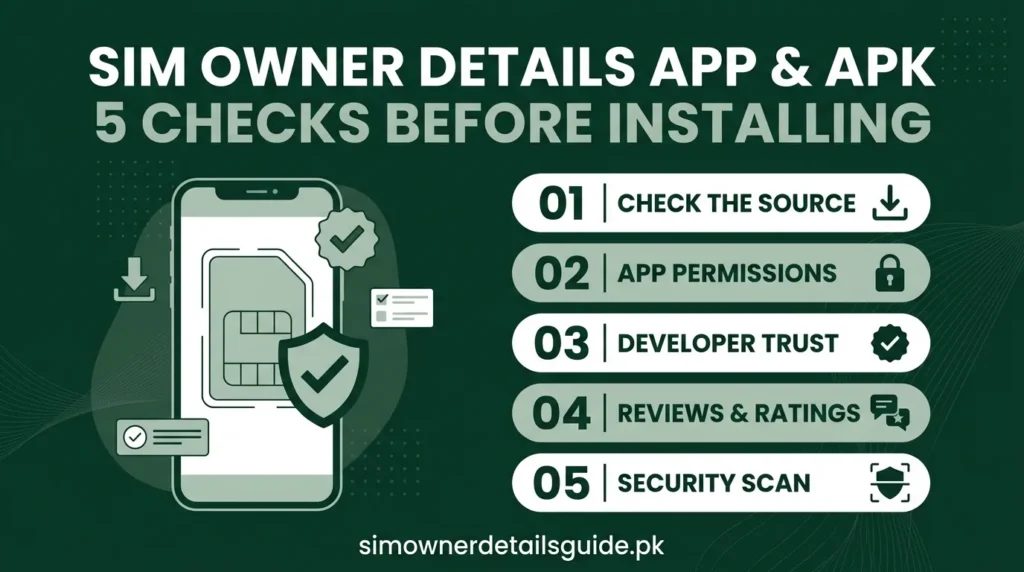
A SIM owner details app is not proof of access to operator records. Before installing an app or APK, check its publisher, requested permissions, privacy policy, source of information and deletion process. This website provides guidance and does not supply a lookup APK.
Confirm the publisher
Start from the operator’s official website when looking for its account app. Store presence or a familiar logo alone does not establish a provider relationship.
Read the permissions
Ask why an app needs contacts, SMS, accessibility control or device access. Do not grant permissions unrelated to the task you want to complete.
Understand the promised result
A contact label, a public guide and a private registration record are different. A paid unlock does not prove data accuracy.
Avoid unnecessary APK downloads
You can use the published browser count portal without installing a third-party lookup tool. If your account service has an official app, follow the provider’s link.
If you already installed one
Review and revoke unnecessary permissions in your device settings. Uninstall an unwanted app and secure affected accounts. Preserve payment or exposure evidence before removing it if you need a complaint.
Report exposed records
Read the removal guide. Do not send extra identity documents to a developer you cannot verify.
Five checks for a SIM owner details app
- Find the publisher’s identity and a working support route. A familiar title alone does not verify the developer.
- Read the permissions before accepting them. Explain why the app needs contacts, SMS, storage or location for the action you want to perform.
- Check what information it collects, where it sends that information and how you request deletion.
- Ask whether a displayed name is a community label, an account label or a verified registration. Those are different claims.
- Compare its promises with official services. A CNIC count portal and a private owner lookup do not provide the same result.
SIM owner details APK download, old versions and mod files
Search results may offer an APK, a modified package or an older version with promises of unlimited searches. A filename and version year do not verify safety or accuracy. A package supplied outside a verified distribution channel may be difficult to authenticate. Do not disable protections just to unlock a supposed database result.
If your need is a CNIC SIM total, use the browser-based official count route. If you need help with your own account, use the relevant operator guide. Neither task requires installing this website as an application.
Telegram bots and caller identification labels
A bot asking for a number, CNIC or payment should explain who runs it and what it does with the submission. Do not assume a chat interface makes a data request private. Similarly, a name shown by a caller identification app can be a label supplied by users. It should not settle an ownership dispute.
Already installed an app you no longer trust?
Review and revoke permissions, uninstall it if appropriate and check whether it created an account or uploaded contacts. Use the publisher’s privacy route to request deletion of data already sent. Uninstalling alone does not remove records held elsewhere. Our removal guide helps you organise that request.
Evaluate the app before installation
Check the publisher, current store listing, privacy policy and the function it promises. An app that labels callers from user contributions is not equivalent to an operator’s registration record. A download link on a lookup site is not proof of an official telecom partnership.
Ask whether the requested permissions are needed for the stated function. Contacts, messages, location and notification access can reveal more than the number you intended to check. Do not approve all permissions simply to unlock a result.
If you installed a questionable APK
Record its name and where it came from, then review its permissions through your device settings. Remove software you cannot trust and assess any passwords or codes you entered. If you shared payment or account information, contact the relevant provider about protection steps.
Do not install a second APK that claims it can erase every trace of the first. For a data-removal request, use the correction and removal guide.